
AirServer Connect 2: classrooms and conference rooms
Written by ISP Integration editorial teamCategory: NEWS
Published:

This is the second generation of this screen mirroring solution.
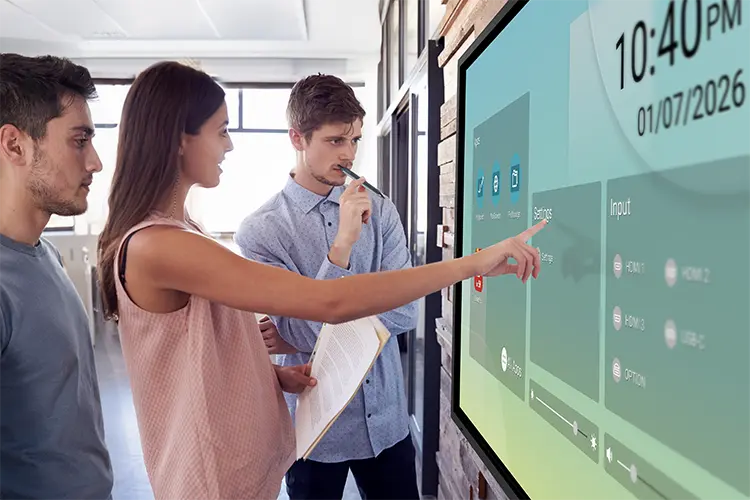
A screen mirroring receiver based on the proven AirServer software, available as a standalone device or as an OPS plug-in module for interactive whiteboards in classrooms, educational centres and conference rooms.
The AirServer Connect 2 is a screen mirroring receiver that allows content to be streamed from various WLAN sources, whether a smartphone, a tablet, a MacBook or a laptop. The operating system of these devices is also irrelevant to the AirServer Connect. It supports AirPlay, Google Cast and Miracast. With the AirServer Connect 2, there is no longer any need to load cumbersome screen mirroring client software or plug in a click connect dongle.
Connected to the conference room display, the AirServer Connect 2 links to a WLAN router or a networked WLAN via Ethernet and acts as a hub for up to eight mobile devices streaming their screens in up to 4K/UHD. This means, for example, that several students can also share their screens at the same time and thus become part of the lesson.
With the exclusive moderator function, which no other mirroring platform offers, teachers remain in control at all times over whether, and to whom, screens can be shown. As only the screens of the teacher's and students' devices are displayed, no data is left on the whiteboard, making it a real alternative to whiteboards with built-in PCs and a significant advantage in terms of data protection.
Teachers simply stream their lesson from their laptop, and it can also be operated from the touchscreen whiteboard (touch-back function).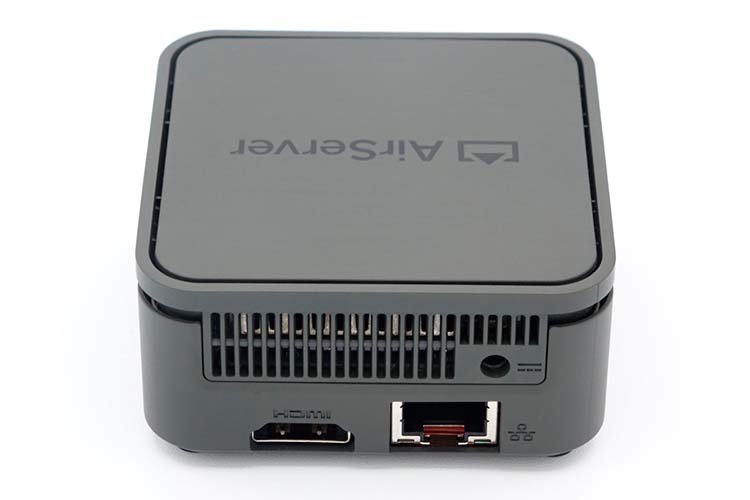
Improved user interface and device management
The AirServer Connect 2 user interface has been made more intuitive, including quick set-up and guided on-screen menus.
A new feature is cloud-based connected device management. Using the dashboard, administrators can manage several AirServer Connect units, help with problems or assign permissions, such as requiring a PIN or authorising selected wireless protocols.
You may also like
IDC names Shure a Leader in AI meeting rooms
AVPro Edge MXnet 10G-MSE: 4K and H.265 from one encoder

500 Sony BRAVIA displays connect 100 stores
Sony: the traditional office is falling behind

Datapath to operate under the VITEC brand in 2027
40 giant Sony displays for collaborative learning

OPTIMUS installs 19 SIP intercoms at a Mexican power plant

LEA Cloud diagnoses issues without on-site visits
Genelec equips a music school with 143 loudspeakers

AVIXA appoints Marco Pardi as new chief executive

Spark 2027 to open with Casa Batlló mapping artists
Hikvision Village: a city where it all connects
Barco recreates realistic maritime scenarios

LEDVANCE: free training in LED and smart lighting

Daktronics upgrades video and audio at Lane Stadium
Crestron Collab Engine: meetings and AV control in one

Nureva appoints Ted Shuter as VP, Products
Kramer makes SailPoint's Pune rooms divisible

Pulse brought seven minutes of AV to InfoComm

Sony miniaturises medical imaging with the IMX742
Sony equips Crestron’s centres in London and Paris
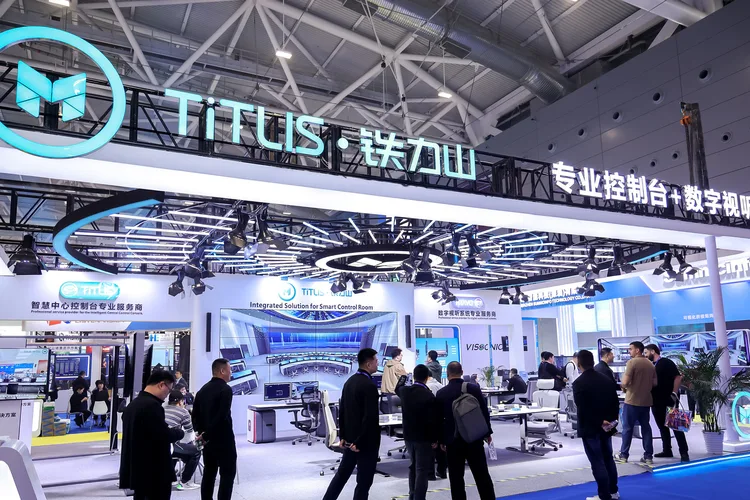
ISLE 2027 opens visitor registration in Shenzhen

Nureva brings AI to meeting room management
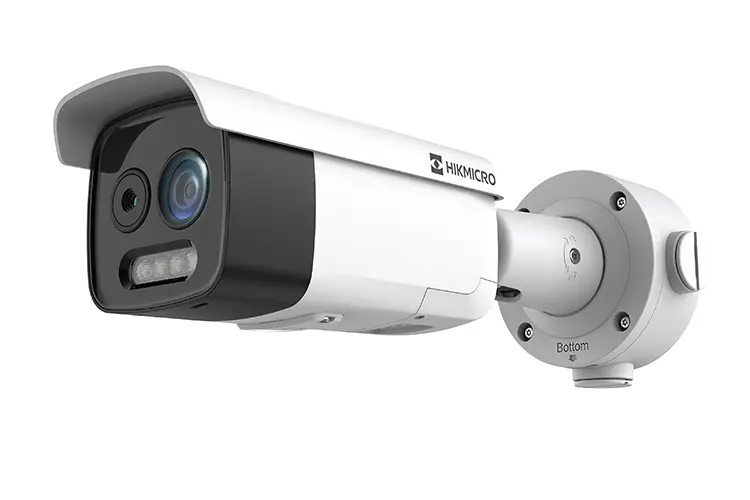
Hikvision applies thermography to fire prevention
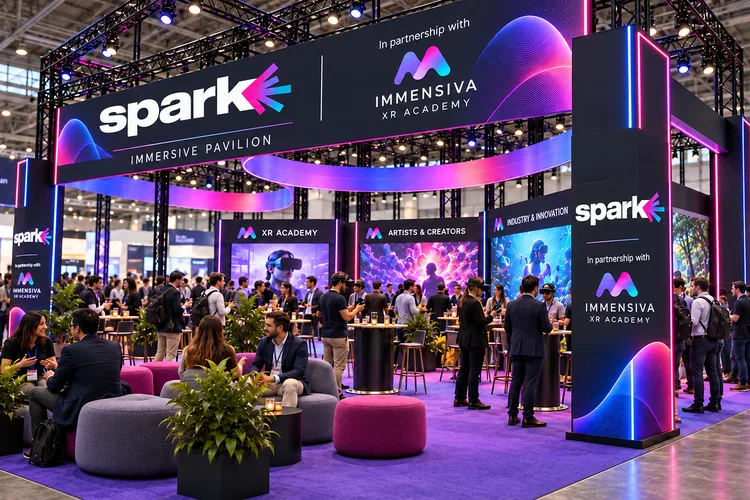
Spark 2027 opens registration and grows at Montjuïc
Ghost meetings under the technological spotlight
Genelec creates a sound forest inside Finlandia Hall
Light + Building strengthens British lighting presence
Bluesound brings licensed music to shops and hotels
Hikvision renews its Madrid Excelente certification
Crestron develops its first proprietary AV chipset
Video Control and Distribution on a Single Platform
Immersive audio and smart rooms: how InfoComm went
Video control and distribution on a single platform
SeeSound equips Cuenca Hospital auditorium

Hikvision Village 2026 recreates a connected city
Curved displays, transparent LED and COB technology
InfoComm América Latina puts AI into practice

Mo Gawdat examines the impact of AI on businesses
IntelliMix Bar Pro takes centre stage in Shure’s strategy

OPTIMUS public address built for maximum demand
Sony equips Crestron's new Experience Centres

AV over IP: When the Network Becomes the System
Captech EXPO Tests Technological Convergence

IFMA Spain: Technology, Spaces and People
Crestron connects more than 200 rooms at Camp Nou
Self-Service Kiosks and AI at InfoComm Latin America
Collaboration, Wireless Audio and AV Management
Sommer hybrid cable for underwater lighting
AVL SUMMIT by AFIAL: Exhibition and Technical Sessions
A Sharp plugin connects Q-SYS with NEC displays
AISpeech and effective listening in meetings

ISE 2027 expands its technological and creative universe

ISE 2027 adds Montjuïc with Spark and EdTech Congress

An agreement connects training and the AV industry

Classrooms that understand: audio and learning

Meetings: the cost of a meeting room that fails
A sonic lifeline for every live production