




Crestron offers two multi-camera solutions with intelligent switching designed for diverse needs.
The most recent Gallup® survey on Work Locations for U.S. Employees With Remote-Capable Jobs, updated in February 2025, reveals that 52% of staff have a hybrid schedule, while 27% work fully remotely. The key takeaway: despite headlines about some large organizations pushing employees back to the office, 79% of those who can work remotely join virtual meetings at some point during the week.
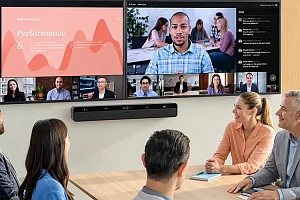
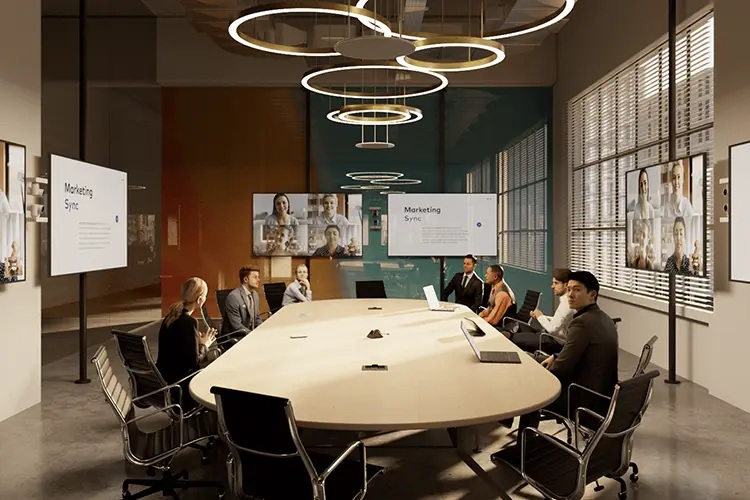
This data supports something Crestron has emphasized for years: achieving meeting equity, a situation where everyone can be seen clearly regardless of location. In an in-person meeting this equity occurs naturally—we can turn our heads to catch every gesture and nuance from colleagues as they speak. That’s harder in a setting that brings in remote participants via video conferencing. Many of us have joined a meeting in a large room connected by a single camera: that “view down a bowling alley” perspective simply isn’t enough.
The solution is a multi-camera system that provides full-room coverage with dynamic, automated switching. Crestron offers several products, including solutions that easily integrate with Microsoft and Zoom features.
Finding the right solution for your needs
Crestron offers two multi-camera options with intelligent switching: 1 Beyond cameras and the Automate VX multi-camera speaker-tracking solution. Each is designed for different needs and room types, and both are platform-agnostic.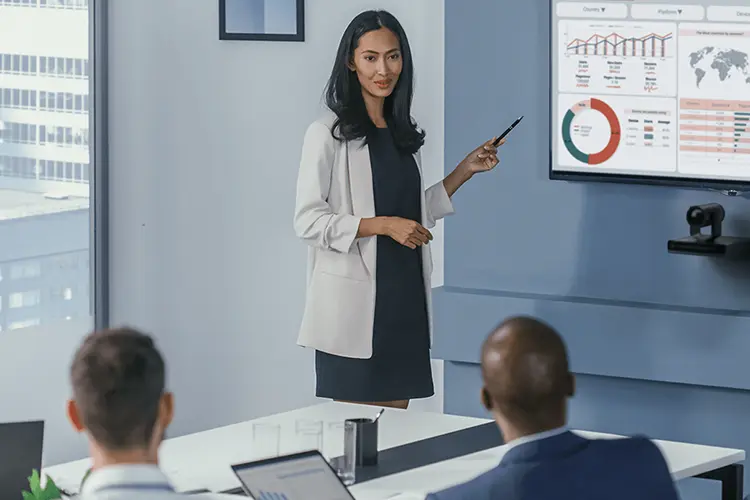
Intelligent switching with 1 Beyond cameras
1 Beyond cameras provide a flexible, cost-effective multi-camera solution with automatic intelligent switching using zone-based visual cues, or custom control to switch between cameras in your space.
A solution using 1 Beyond camera switching is perfect for medium- to large-sized flexible spaces such as collaborative meeting rooms and classrooms where zone-based or manual camera switching is sufficient. It is a cost-effective, plug-and-play option ideal for informal meetings and active learning.
- How it works: In a room outfitted with 1 Beyond cameras, the primary camera provides a switched output between itself and up to four companion cameras. There are two switching options: automatic, which changes views using visual cues when someone enters or exits a predefined zone; or custom control, allowing people in the room to switch between cameras using a touch panel or other triggers. 1 Beyond cameras offer Presenter Tracking and Group Framing options.
The benefits of a 1 Beyond camera system include lower up-front costs and simplified deployment and cabling with a single USB connection. It is also UC platform agnostic.
Intelligent switching with the Automate VX solution
The Automate VX solution is a premium, fully automated multi-camera system with advanced speaker tracking.
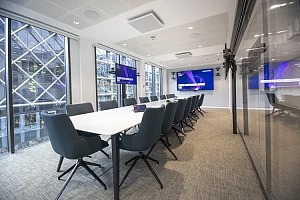
Automate VX is an excellent choice for large, high-impact spaces such as executive boardrooms, major lecture halls, and environments that require automated speaker tracking, dynamic layouts, and a polished, professional video experience. It’s ideal for spaces that demand hands-free operation and high-production quality.
- How it works: The Automate VX system directs, composites, and switches up to 12 1 Beyond cameras based on a spatially aware room design that uses information from the microphones. The cameras are linked to a single video conferencing appliance. This provides industry-leading multi-camera speaker tracking with visual AI functions for presenter framing and tracking, enabling precisely framed shots, reframing if a person moves while speaking, and switching cameras if they change the direction they are looking so that a remote viewer always gets a head-on view of the speaker.
The Automate VX solution offers dynamic video compositions with settings for conversation mode, picture-in-picture, or custom layouts. You can tailor the installation to a room’s layout and the shots needed. The solution also provides recallable Room Scenarios for flexible use cases and includes support and setup tools (such as proximity check and others) to perfect the space. This technology is fully supported by Crestron with its Professional Services team and CTI training courses.
- Results: Remote participants enjoy a broadcast-quality experience thanks to a system that is spatially aware of cameras, microphones, and people. The system also includes recallable presets for flexible room configurations and, of course, is UC platform agnostic.
Quick facts: intelligent switching with 1 Beyond cameras or Automate VX
- What is the difference between a Crestron Automate VX solution and a 1 Beyond camera solution?
A 1 Beyond camera solution is a simple, cost-effective setup that can leverage up to five cameras in a room. It’s perfect for medium- to large-sized spaces that don’t require complexity, as the intelligence and switching capabilities are built into the primary camera.
The Crestron Automate VX solution is a system that controls 1 Beyond cameras and can handle large, high-impact spaces. Additionally, Automate VX is driven by the room microphones for advanced speaker tracking, while intelligent switching with the 1 Beyond camera solution can be triggered by visual cues or a control system.
- How many cameras can Automate VX support vs. 1 Beyond?
A setup leveraging 1 Beyond uses a single primary camera driving up to four additional cameras (for a total of five) in a room, while the Automate VX system can manage up to 12 cameras. In addition to its built-in switching software, the Automate VX solution can control external Blackmagic® ATEM® switchers for deployments with more cameras.
- Can 1 Beyond be upgraded to Automate VX later?
Yes! Existing 1 Beyond cameras can be easily integrated into an Automate VX solution.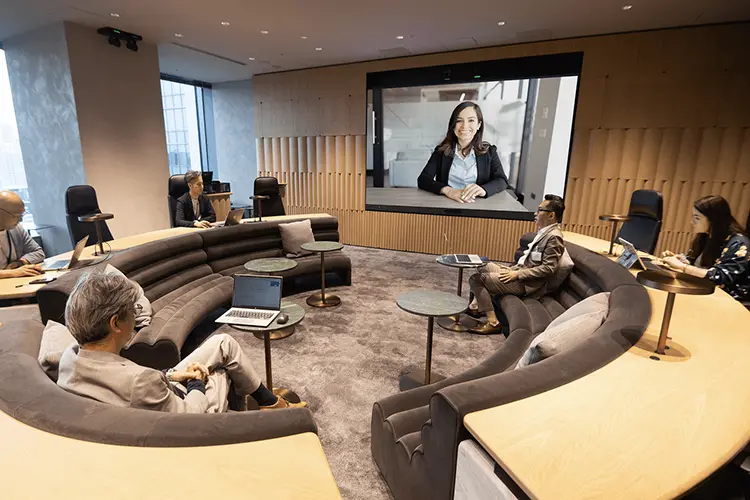
Choosing the right solution for your needs
Still not sure which option fits your space? Consider these key questions:
- Is your space more about executive presence or team collaboration?
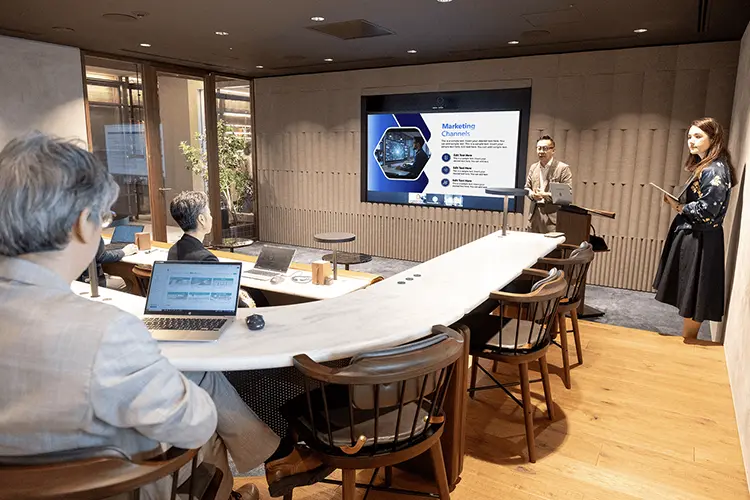
A great example of a space suited for 1 Beyond intelligent switching is a collaborative meeting room designed for brainstorming and team interaction. This type of room typically features a central table, a front-of-room display, and a whiteboard or interactive screen. A single camera can be positioned to capture the entire group in a wide shot, while additional cameras can focus on specific zones such as the whiteboard area or the front of the room for presentations, explains Cara Shannon, senior manager of product marketing at Crestron.
The solution can automatically switch between these views based on visual cues, such as someone approaching the whiteboard, or through manual triggers like a touch panel or voice detection.
“This setup supports fluid, real-time collaboration and ensures that key moments—like sketching an idea or presenting a concept—are always clearly captured and shared”, says Shannon.
If your meeting space is designed to impress—whether it’s a high-stakes boardroom, an executive training center, or a customer-facing environment where every interaction matters—then executive presence is your priority. For those cases, Automate VX is the right solution.
“These hybrid rooms are often complex, with flexible layouts and many participants who need to be clearly seen and heard when they speak”, adds Shannon.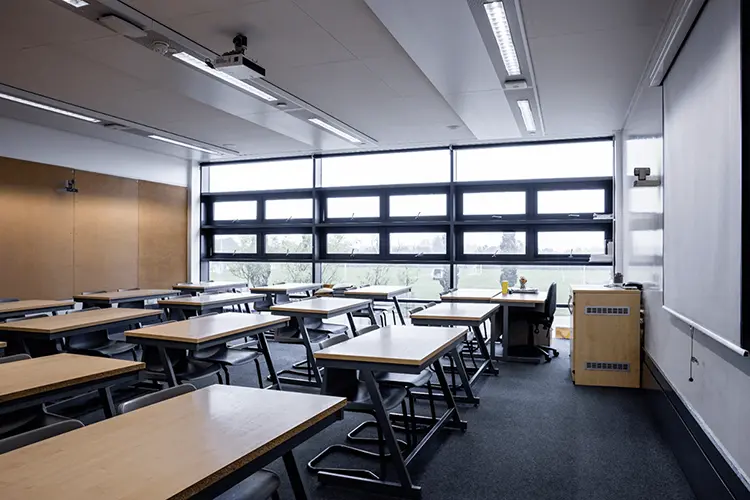
- Are you looking for a tailored AV experience or a plug-and-play solution?
Intelligent switching with 1 Beyond cameras works best for simple setups. “For example, if you just need the camera to switch between a speaker at the podium and someone asking a question from the left or right side of the audience, it’s a great solution. It’s easy to set up, easy to explain, and easy to support”, says Shannon. “It’s also easy to tell someone, ‘This side of the room uses this camera, and that side uses that one’. That kind of setup is intuitive and makes sense to most people”.
“But when dealing with a more complex space—such as a boardroom or classroom with 25 or more individual seats, each needing its own camera angle or preset—it becomes much harder to manage”, she adds. “You might also have different meeting formats to account for. At that point, it’s no longer a simple system. You can’t just look at the room and know which camera is doing what”, she continues. “Instead, you’re relying on detailed programming behind the scenes to make it all work. That kind of setup requires a skilled programmer to build and maintain”.
In short, 1 Beyond cameras with intelligent switching are ideal for straightforward, zone-based camera changes. But once you go beyond that—especially with many targeted areas in the room and multiple scenarios—it becomes a custom solution that is harder to support and service, concludes Shannon.
- If you need to install intelligent video for an educational project, will it be for a high-end hybrid learning environment or a cost-effective classroom?
In addition to the factors listed above, “Intelligent Switching with 1 Beyond Cameras is a great option for classrooms that need reliable video coverage without a high cost”, says Shannon. “It works especially well in simple, predictable setups (like a teacher at the front of the room and students seated in rows). You can easily define a few zones (for example, front of the room, left side, right side) and switch between them either with a button on a touch panel or using audio zones in the room”.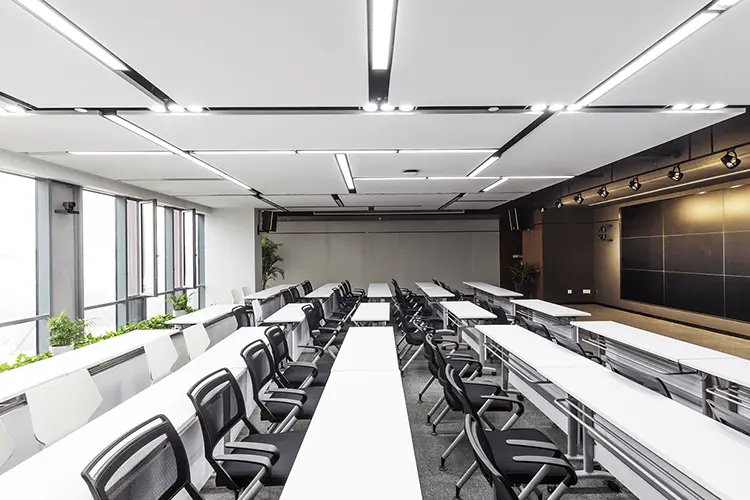 “This kind of setup is easy to install, easy to explain (‘this side of the room uses this camera,’ for example), and doesn’t require complex programming”, she adds. “That means lower installation costs, less need for technical support, and a smoother experience for instructors and staff. It’s a practical, cost-effective solution for schools looking to enhance classroom technology with limited budgets”.
Automate VX is a strong fit for classrooms that are more complex and dynamic. “It’s designed for environments where multiple people may speak from different locations, where seating arrangements change frequently, or where there are many individual seats that need clear camera coverage”, explains Shannon. “This is especially helpful in executive education settings, where sessions often involve active student participation and hybrid attendees. Automate VX handles these scenarios automatically, managing multiple microphones and camera angles seamlessly to deliver a consistent, professional experience without the need for custom programming”.
- Do you need precise speaker tracking or basic camera switching?
“If you’re looking for individual shots in a really large room, like a 50-person boardroom, Automate VX may actually be more cost-effective since the Room Designer handles all of the programming”, says Shannon.
The best way to meet the needs of modern hybrid collaboration and learning is to deploy a multi-camera solution.
These technologies deliver unparalleled meeting equity, increase engagement, improve visibility for all participants, and maintain the level of professionalism that modern work demands.